
Hire help withouthanding over the keys.
Roles, permissions and pay, so growing does not mean giving everyone everything.
A real moment
The day you stopped doing it all
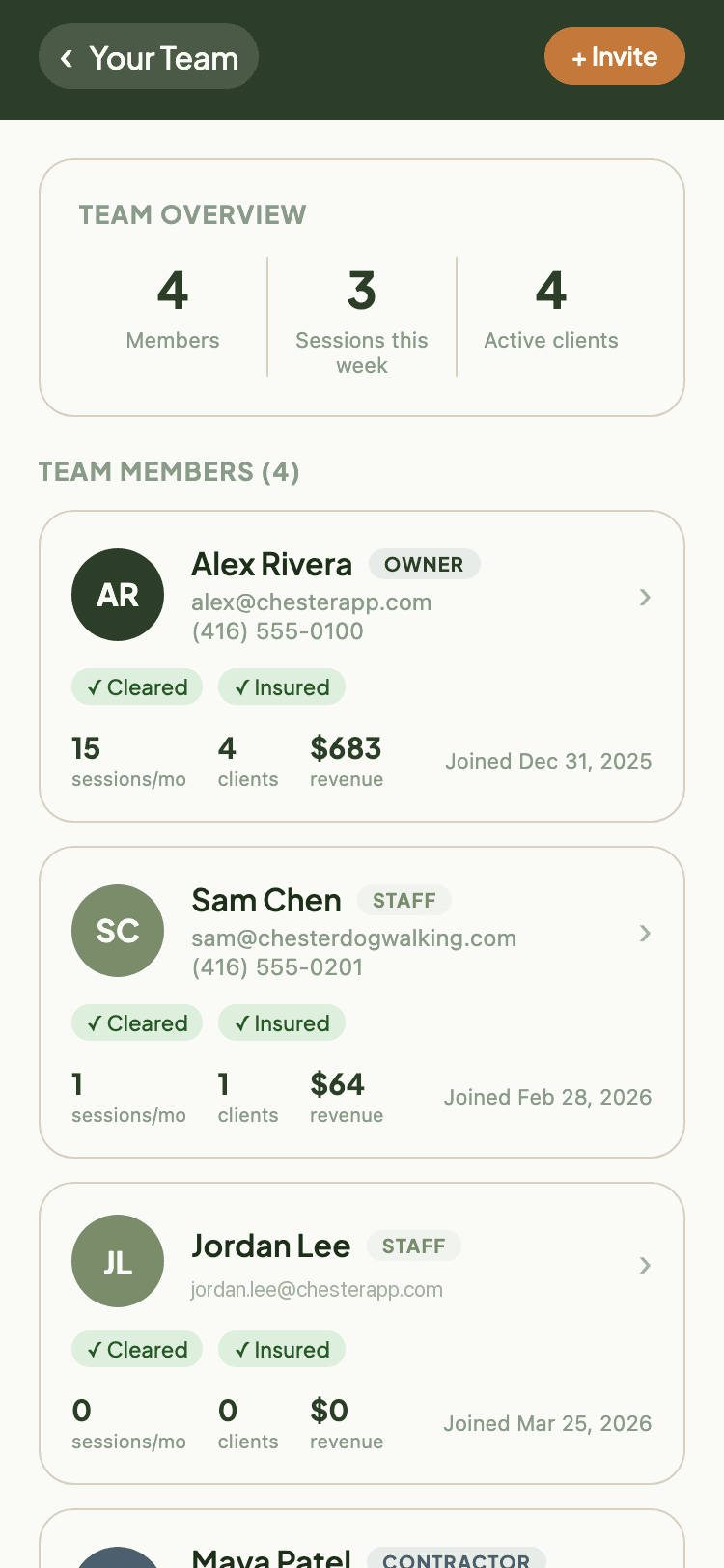
Sam starts on Monday. You invite them by email, set them as staff, and decide what they can see: the schedule and their own clients, not your billing or your refunds. You set their rate per service type. At the end of the month the pay report itemises every visit they ran, and exports as a CSV you hand straight to your bookkeeper.
Access ends where you decide
Owner, staff and contractor roles, with granular permissions over billing, refunds, settings and client visibility.
Pay works itself out
Rates per service type, fixed or hourly. Pay reports for any date range, itemised per booking, exported as CSV.
Compliance is on file
Insurance verification with expiry dates, so you know who is covered before you send them out.
Everything Team Management & Pay does
- Invite staff and contractors via email
- Three roles, owner, staff, contractor
- Granular permissions: manage staff, view all clients, manage billing, edit settings, view reporting, create bookings, cancel bookings, issue refunds, edit report cards
- Provider availability: set weekly time slots
- Blocked dates and blackout days
- Pay rate configuration per service type, fixed or hourly
- Pay report generation for any date range
- Per-booking itemization: date, service type, client, duration, rate, pay amount
- Pay reports with CSV export
- Insurance verification with expiration dates
- Account data export: take your business's data with you
Ready to Try Team Management & Pay?
Get started free. No credit card required.